
The Little Worker for Mac
The Little Worker is a to-do list with a team of AI workers. Write it down, give it to a worker, and it comes back done. Also on iPhone and the web.

On your Mac, your iPhone, and the web.
One account, with the same to-dos and the same team in every place.

Mac
The whole app in its own window. Drag a to-do onto a face, and let workers use the files and apps on your Mac when you allow it.
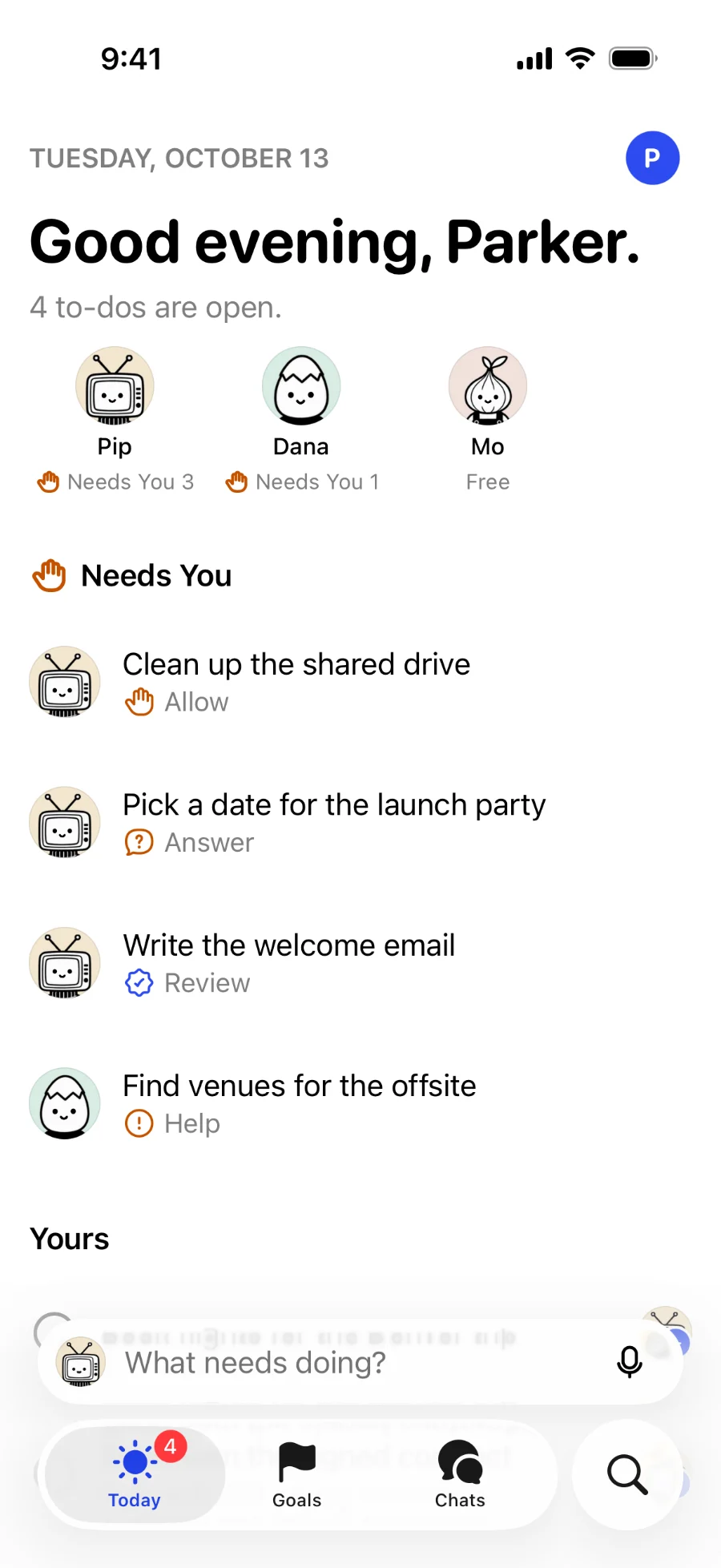
iPhone
See what needs you, accept work, and write down a to-do from anywhere.
Coming soon to the App Store.
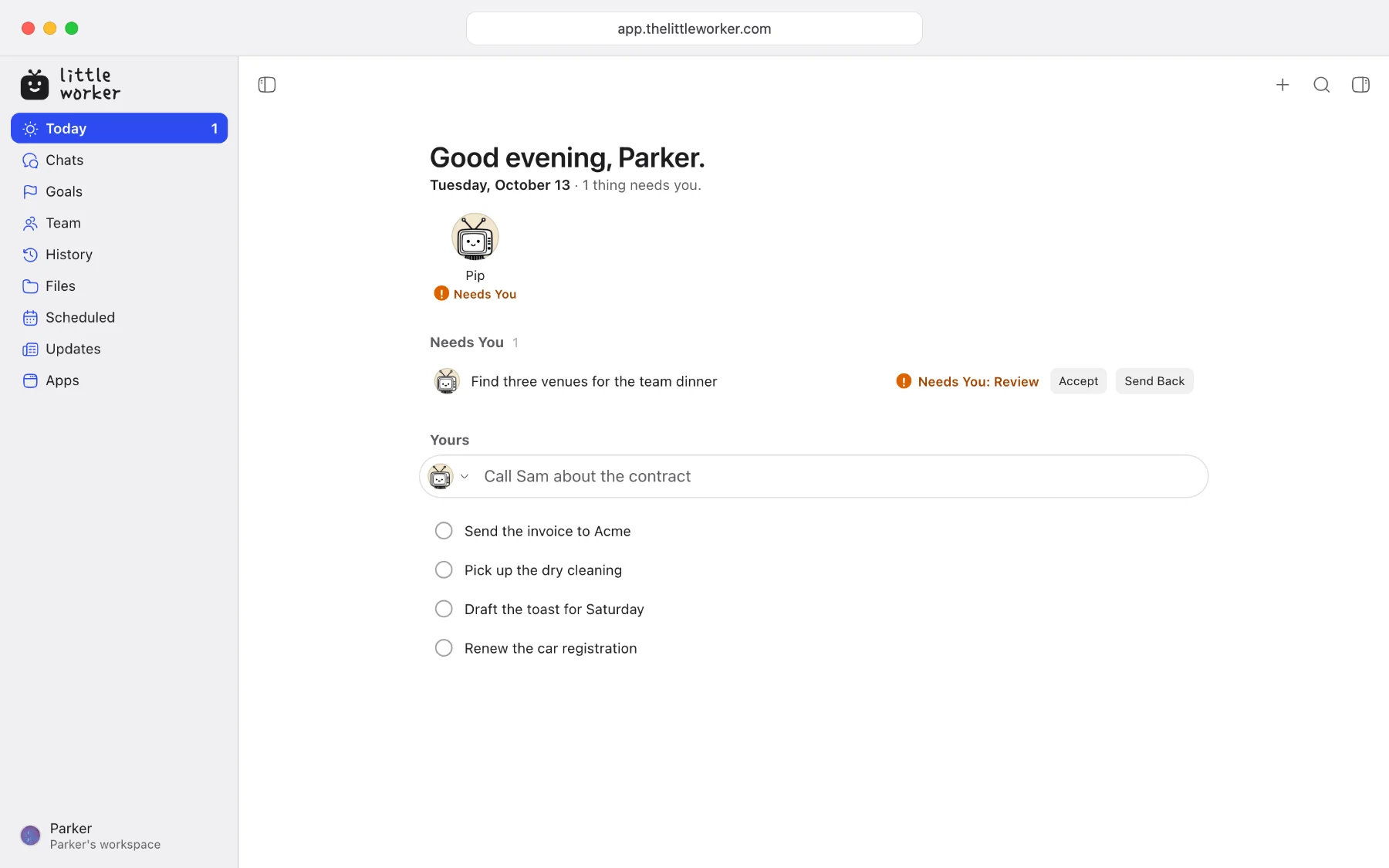
Web
Open The Little Worker in any browser, with nothing to install.


What The Little Worker does.
Everything here works the same on your Mac, your iPhone and the web.
Today
Your to-dos, what each worker is on, and what needs you, on one page.
A team with faces
Pip and the workers each have a name, a job and a face. Give a to-do to the one who fits.
Chats
Talk with a worker the way you would with a person. Replies, files and every step stay in the chat.
Goals
Set a goal and the to-dos that lead to it. Workers help with each one.
Needs You
When a worker needs you to allow, answer or review something, it waits at the top of Today.
Apps
Connect the apps you already use. Workers ask before they touch them.
Questions
Which Mac do I need?
The Little Worker needs macOS 13 or later on a Mac with Apple silicon.
How do I install it?
Double-click the download to open it, then drag Little Worker into your Applications folder. Open it from there and sign in.
Does it keep itself up to date?
Yes. The Little Worker finds each new version by itself and installs it, so you download it only once. Settings shows it under Software Update.
Is it safe on my Mac?
Workers ask before they touch your Mac or your accounts, and you choose what each one may do on its own. You can stop any to-do, and every step a worker takes is there for you to read.
Is there an app for iPhone?
Yes. It is coming to the App Store soon. Until then, open The Little Worker in Safari on your iPhone.
Get The Little Worker on your Mac.
Free with your own AI. No card.